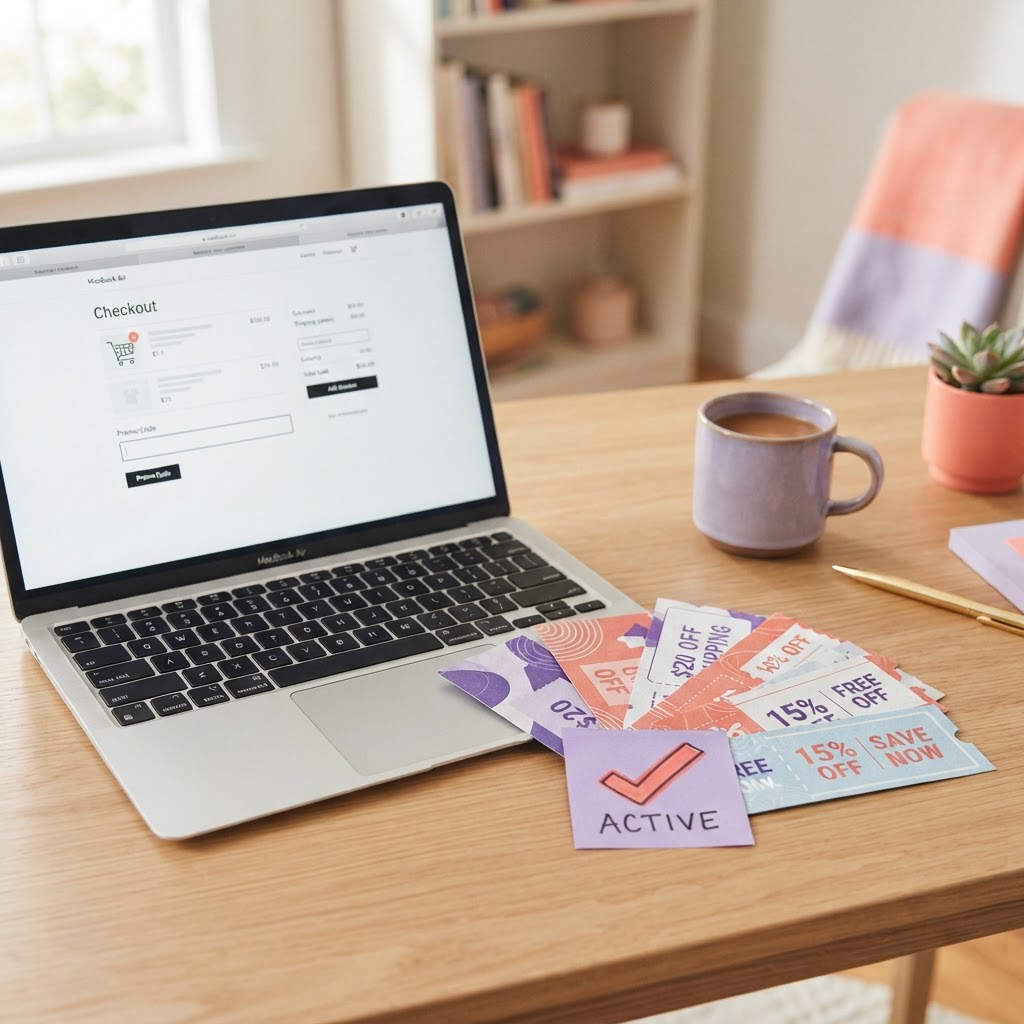
Online coupon codes can help shoppers reduce the cost of eligible purchases, but finding a code is only half the job. A promotion may be expired, limited to certain products, or subject to a minimum order value. The best way to avoid disappointment is to check the terms and confirm the discount at checkout before paying.
This guide explains how to find coupon codes, understand their restrictions, and work out whether an offer provides genuine savings. TheDropDoor features available deals and offers; always verify each listing’s current validity and conditions with the retailer.
What Is a Coupon Code?
A coupon code, promo code, or discount code is a sequence of letters, numbers, or both that a retailer allows customers to enter during checkout to receive an eligible benefit. Depending on the promotion, that benefit may be a percentage discount, a fixed amount off, free shipping, or another offer.
Not every code works on every order. Eligibility can depend on the product, customer status, order value, location, or promotion dates. Read the terms before relying on a discount.
Where to Find Coupon Codes Online
1. Retailer Websites
Check the retailer’s official website for current promotions, sale banners, newsletter offers, or a dedicated offers page. Official terms can help clarify which products qualify and when a promotion expires.
2. Coupon and Deal Websites
Coupon websites collect promotional offers from different retailers. Check when an offer was last updated, read its restrictions, and test the code at checkout. A listing on a coupon website is not a guarantee that a code will work for your specific order.
3. Email Newsletters and Loyalty Programs
Some retailers share promotional codes with newsletter subscribers or loyalty-program members. Review the conditions before signing up, and consider whether the messages and account benefits are useful to you.
4. Seasonal Sale Pages
During events such as Black Friday, Cyber Monday, and holiday sales, retailers may publish special promotions. Compare the sale price with other offers and check whether additional coupon codes are permitted.
5. TheDropDoor Listings
You can explore available deals on TheDropDoor. Before using a listed offer, check its details and confirm that the code or discount remains valid on the retailer’s checkout page.
How to Check Whether a Coupon Code Works
Use this process to verify a code before completing your purchase:
· Confirm that the offer is intended for the retailer you are shopping with.
· Read the expiration date and any minimum order requirements.
· Check excluded products, categories, brands, or customer groups.
· Copy the code exactly as displayed, including any letters or numbers.
· Enter it in the coupon or promo code field at checkout.
· Check that the discount appears in the order total before paying.
If the price does not change, the code may be expired, ineligible for the items in your cart, or incompatible with another promotion. Recheck the terms rather than assuming the code is valid.
Why Coupon Codes Sometimes Do Not Work
The Code Has Expired
Promotional codes may be available only during a specified period. Check the listed dates and any time-zone conditions.
Your Cart Does Not Qualify
Some codes require a minimum spend or apply only to selected products. Check the subtotal and eligible items.
The Product Is Excluded
A promotion may exclude sale items, specific brands, clearance products, or other categories.
The Code Is for New Customers
Some offers are limited to first-time buyers or customers who meet particular account conditions.
Another Offer Is Already Applied
Some retailers do not allow multiple promotional codes or prevent codes from being combined with other discounts.
The Code Was Entered Incorrectly
Check for missing characters, extra spaces, or similar-looking letters and numbers. Copying the code directly can help reduce typing errors.
How to Compare Coupon Offers and Find Real Savings
The largest discount percentage is not always the best deal. Compare the final amount you would pay for the same or equivalent product.
· Compare the product price before and after the code.
· Include shipping, taxes, and other charges in the total.
· Check whether a minimum spend would make you buy unnecessary items.
· Compare the final cost with other relevant retailers.
· Review return conditions and delivery estimates before deciding.
For example, a code offering a percentage discount may look attractive, but a competing offer with a lower base price or free shipping could cost less overall. Calculate the total instead of judging by the code’s headline.
Coupon Code Safety: What to Avoid
· Avoid websites that demand unnecessary personal information just to reveal a code.
· Do not download unknown software or browser extensions solely to access a coupon.
· Be cautious of suspicious links, fake checkout pages, and requests for payment details outside a trusted retailer website.
· Do not assume a code is genuine just because it is described as “verified.” Test it at checkout.
· Never share passwords or one-time security codes to obtain a discount.
Use reputable sources and confirm that the retailer’s website and checkout page are legitimate before entering payment information.
A Simple Coupon-Code Checklist
· Find the offer from a source you can assess.
· Check the expiration date and terms.
· Confirm product eligibility and minimum spend.
· Copy the code accurately.
· Apply it at checkout.
· Verify the discount in the final total.
· Compare the final price with other available offers.
· Keep your order confirmation.
Frequently Asked Questions About Working Coupon Codes
1. Where can I find working coupon codes online?
Check retailer websites, coupon and deal websites, newsletter offers, loyalty programs, and current deal listings. Always test the code at checkout because eligibility and validity can change.
2. How do I know if a coupon code is valid?
Read the offer terms and expiration date, check whether your order qualifies, and confirm that the discount appears in the checkout total before paying.
3. Why is my promo code not working?
The code may be expired, restricted to certain products or customers, subject to a minimum spend, or incompatible with another discount. Review the terms and your cart.
4. Are coupon codes and promo codes the same thing?
The terms are commonly used interchangeably for codes that provide a discount or other promotional benefit, though the exact offer depends on the retailer.
5. Can I use more than one coupon code on an order?
Some retailers allow only one code per order, while others permit selected offers to be combined. Check the retailer’s policy and confirm the final total.
6. Do coupon codes work on sale items?
It depends on the promotion. Some codes apply to sale items, while others exclude discounted products or specific categories.
7. Do coupon codes expire?
Many codes have an expiration date or limited redemption period. Check the offer details and verify the code at checkout.
8. Are coupon websites safe to use?
Safety varies by website. Avoid sites that request unnecessary sensitive information, direct you to suspicious pages, or require unknown downloads. Verify the offer with the retailer.
9. What is the best way to save with a coupon code?
Compare the final checkout price, including shipping and taxes, and avoid buying extra items just to meet a minimum spend unless you genuinely need them.
10. Where can I find deals on TheDropDoor?
Browse the current listings on TheDropDoor and verify each offer’s terms and validity with the retailer before completing a purchase.
Final Thoughts
Finding working coupon codes online takes a little verification. Check the source, read the restrictions, apply the code at checkout, and compare the final price with other available offers. A discount is worthwhile when it genuinely reduces the cost of something you planned to buy.
Explore available offers on TheDropDoor, and always confirm that a code or promotion is valid for your order before paying.