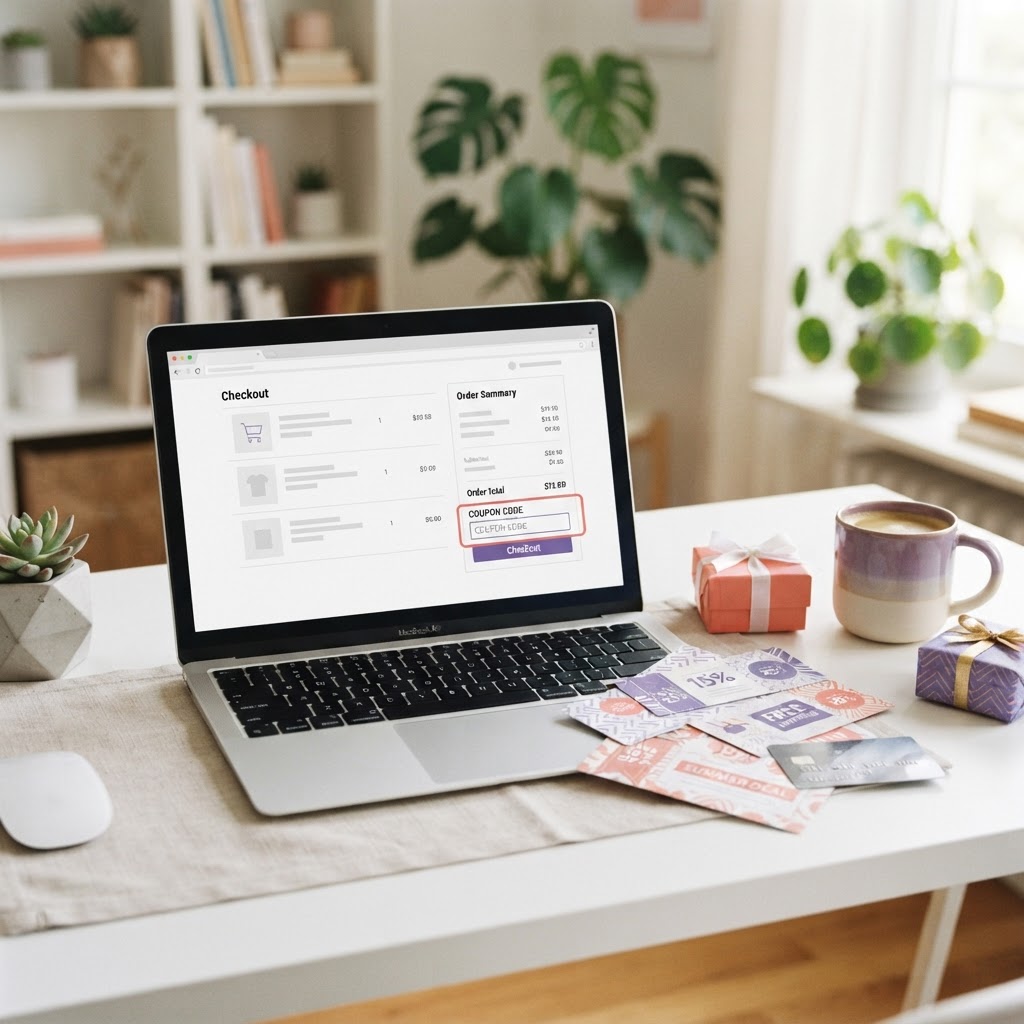
Using more than one coupon or promo code on an online order can sometimes increase your savings, but it depends on the retailer's rules. Some stores allow shoppers to combine a promo code with an automatic sale, loyalty reward or free-shipping offer. Others accept only one code per order. Understanding these rules before checkout can help you avoid expired codes, failed discounts and unnecessary spending.
This approach is often called coupon stacking. Here is how it works, what types of discounts may be combined and how to check whether multiple offers can be used on the same purchase.
1. Understand What Coupon Stacking Means
Coupon stacking means applying more than one eligible discount or saving to a single purchase. Depending on the retailer, this might involve a promo code and an automatic sale price, a store coupon and a manufacturer coupon, or a discount code combined with a loyalty reward.
The term does not mean every code can be entered together. Each retailer sets its own promotion rules, and some platforms restrict orders to one promotional code. Always check the offer terms before planning your purchase around multiple discounts.
2. Know Which Discounts May Be Combined
Retailers may allow certain combinations, such as a sale price with a separate free-shipping code, a loyalty reward with an eligible promotion, or a manufacturer coupon with a store offer. Other retailers automatically apply discounts without requiring a code.
Common types of offers include percentage discounts, fixed-amount coupons, first-order promotions, student discounts, loyalty points, cashback offers and free delivery. Whether any two can be combined depends on the retailer, product category, customer eligibility and promotion terms.
3. Read the Terms and Conditions for Each Offer
Before adding codes, review the expiry date, minimum spend, eligible products, excluded brands and customer restrictions. Some offers apply only to full-price items, while others exclude clearance products, gift cards or products sold by marketplace sellers.
Look for wording such as 'cannot be combined with other offers' or 'one promo code per order'. If the terms are unclear, check the retailer's promotion page or contact its customer-service team rather than assuming the discounts will stack.
4. Apply Discounts in a Sensible Order
If the retailer permits more than one saving, follow the instructions shown at checkout. Automatic sale prices are often applied first, while promo codes, loyalty rewards or shipping discounts may have separate fields or steps.
Some checkout systems recalculate the order after each code is entered. Check the subtotal, shipping charge and final total after every change. If applying a second code removes the first discount, compare both results and keep the combination that gives the lowest eligible total.
5. Compare Percentage and Fixed-Amount Discounts
The biggest-looking discount is not always the best one. A percentage code may save more on a large eligible order, while a fixed-amount coupon may provide better value on a smaller purchase. Minimum-spend requirements can also affect the result.
For example, a 20% discount on an eligible $100 order saves $20. A $15 coupon on the same order saves $15. But if the percentage code excludes an item or cannot be combined with another offer, the fixed coupon may produce the better final price. Compare the actual checkout totals rather than choosing by the headline offer.
6. Check Free Shipping and Minimum-Spend Thresholds
A free-shipping offer can add value when it is allowed alongside another discount. Check whether the shipping code has a minimum order value and whether the threshold is calculated before or after other promotions.
Do not add products you do not need simply to qualify for free delivery. Compare the cost of the extra item with the shipping fee. If the added product costs more than the delivery charge, the order may not represent a saving.
7. Check Loyalty Rewards, Cashback and Payment Offers
Some retailers allow loyalty points or rewards to be used with selected promo codes. Cashback services or payment-card promotions may also provide a separate saving, but their terms can differ from the retailer's coupon rules.
Check whether cashback is calculated on the original price or the amount paid after discounts, and whether using a promo code affects eligibility. Review payment-offer exclusions and tracking requirements before relying on cashback as part of the total saving.
8. Troubleshoot Codes That Do Not Work Together
If a code is rejected, check that it has not expired and that the order meets its minimum spend and product requirements. Confirm that the code is entered correctly and that the items in your basket are eligible.
A retailer may allow only one code, or the first discount may make the order ineligible for another promotion. Remove one code at a time and compare the totals. If the checkout still behaves unexpectedly, review the offer terms or contact the retailer.
9. Avoid Unnecessary Purchases and Misleading Offers
Stacking discounts should reduce the cost of something you already planned to buy. A promotion is not a saving if it encourages you to purchase products you do not need or spend beyond your budget.
Be cautious of coupon websites that promise unusually large combined discounts without showing clear conditions. Use reputable sources, check the retailer's own promotion details and confirm every saving in the checkout summary before paying.
10. Find Coupons and Promo Codes on TheDropDoor
TheDropDoor can help you explore available retailer coupons, promo codes and deals. Visit the relevant store page, review each offer's conditions and follow the retailer link to see whether the discounts can be used together.
Retailer rules and offer availability can change, so the checkout page is the final confirmation. Compare the order total with and without each eligible offer to identify the combination that provides the best value.
Frequently Asked Questions
What does coupon stacking mean?
Coupon stacking means combining two or more eligible discounts on one purchase. Depending on the retailer, this may include a promo code with a sale price, loyalty reward or shipping offer. Retailer rules determine which combinations are allowed.
Can I use two promo codes on one online order?
Some retailers allow multiple codes, but many limit shoppers to one promotional code per order. Check the offer terms and the checkout rules. Do not assume two codes can be combined until both discounts appear in the order summary.
Can I combine a promo code with a sale price?
Some retailers allow promo codes on already discounted products, while others exclude sale or clearance items. Read the code's conditions and check the final order total to confirm whether the additional discount applies.
Can I combine a coupon with free shipping?
This depends on the retailer. A free-shipping code may work alongside a product discount, but it can have its own minimum spend or exclusions. Confirm the delivery charge is removed before completing the order.
Why does a promo code remove another discount?
The retailer's checkout may allow only one code or may treat the offers as mutually exclusive. Check the promotion terms, test each code separately and compare the final totals to see which eligible option saves more.
Where can I find coupons that may be combined?
Check retailer promotion pages and coupon platforms such as TheDropDoor for available offers. Review each code's conditions and confirm compatibility at checkout, because retailers can change their rules and promotions.