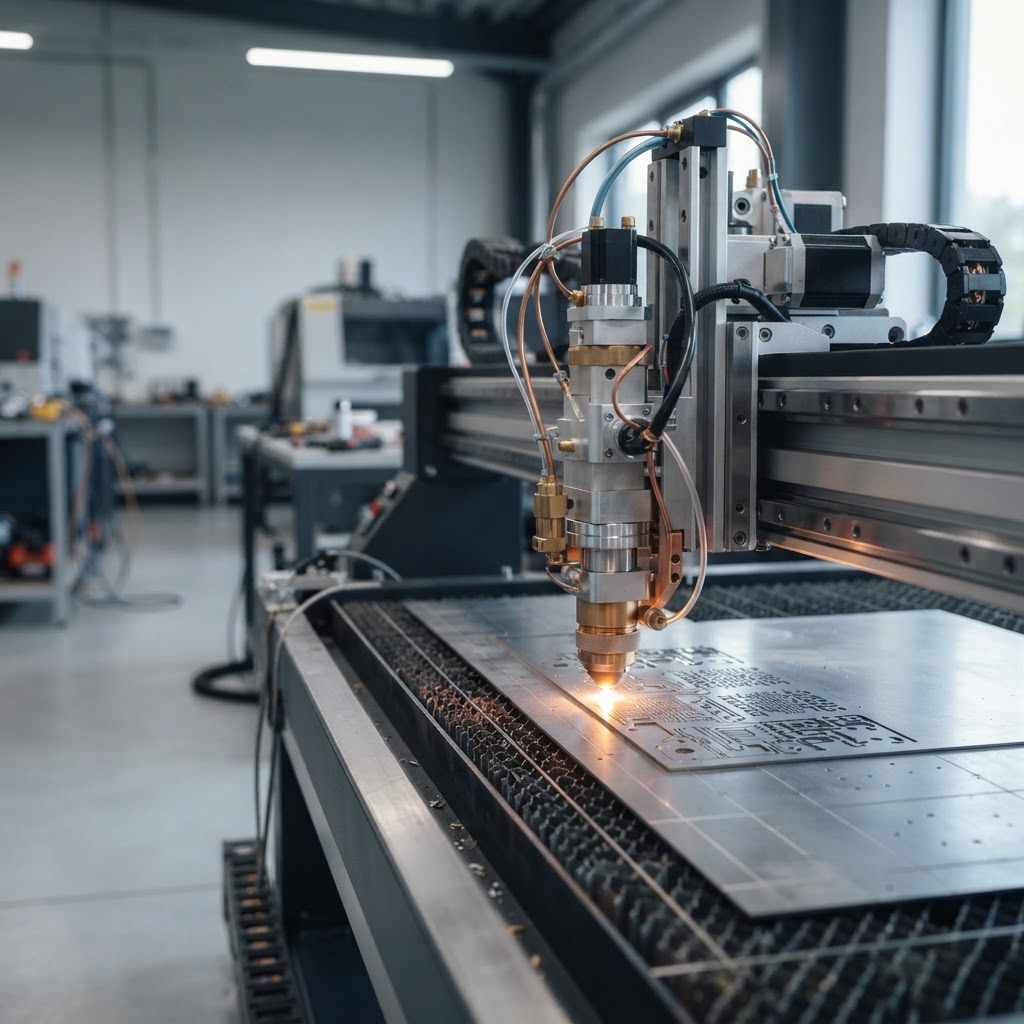
Understanding Your Laser Equipment Needs
Entering the world of laser engraving and cutting can be transformative for both professional workshops and hobbyist spaces. When you begin searching for the right hardware, the volume of available technical specifications can often feel overwhelming. Rather than reacting to marketing slogans, the most effective way to navigate Xlaserlab and similar providers is to start by defining your primary use case. Are you planning to cut thick acrylic, etch intricate designs onto metal, or produce small-batch wooden crafts? The material compatibility and laser power requirements vary significantly depending on your objectives.
Before you commit to a specific unit, evaluate the workspace you have available. Precision tools require stable surfaces, adequate ventilation, and often specific electrical configurations. High-performance machines are not merely "plug-and-play" gadgets; they are precision instruments that demand a dedicated environment to function reliably. By determining the maximum dimensions of the materials you intend to process early on, you can filter out options that are either too compact for your projects or unnecessarily large for your specific needs.
Evaluating Key Technical Specifications
Once you have outlined your project scope, the next step involves scrutinizing the technical specifications. Pay close attention to the optical power output, which is distinct from the electrical power consumption. This measurement dictates the thickness of material a machine can penetrate in a single pass. A common mistake among beginners is prioritizing machine size over laser intensity; however, it is the laser power that directly affects your production speed and efficiency. When browsing through software & digital products related to laser control, ensure the firmware or software is compatible with your existing computer system.
You should also compare the cooling systems implemented in various models. Laser components generate significant heat, and consistent cooling is vital for maintaining the longevity of the diode or laser tube. Look for descriptions of liquid cooling versus air cooling, and assess if the maintenance requirements for these systems align with your time availability. If you are a beginner, machines that feature robust safety shielding and built-in smoke extraction compatibility are often better choices than those that require extensive custom modifications to be safe for home use.
The Importance of Software Integration
Hardware is only as powerful as the software driving it. The user interface of the control suite is often the deciding factor in how much enjoyment you get out of your tools. A steep learning curve can turn a productive creative session into a frustrating troubleshooting exercise. Check if the manufacturer provides clear documentation or if there is a vibrant community of users who share tips and workflows. Exploring featured tools might reveal platforms that integrate seamlessly with industry-standard design programs, which will save you hours of file conversion and optimization time in the long run.
While researching options, be wary of proprietary software locks. The best professional tools allow for a degree of flexibility, letting you export designs from your preferred vector software without complex workarounds. If you find yourself needing further guidance on how to identify value, browsing useful resources can help you understand how to separate long-term professional features from gimmicky add-ons that may lose their utility within a few months.
Long-Term Maintenance and Scalability
Finally, consider the long-term support ecosystem. Precision machinery requires periodic calibration and the occasional replacement of consumable parts like lenses or focus mirrors. Before finalizing a purchase, look at the availability of spare parts and the transparency of the manufacturer regarding maintenance schedules. Choosing a brand that supports its users with clear, accessible guides is significantly more valuable than prioritizing a slightly lower entry price.
Additionally, think about the potential for future expansion. Many creators start with a modest setup only to realize their business or hobby has outgrown their initial hardware. Some manufacturers offer modular systems that allow you to upgrade components as your skill level increases, providing a clear path forward without needing to replace the entire machine. By selecting a platform that allows for such growth, you protect your initial investment and maintain a consistent workflow. Whether you are looking at specialized machinery or high-end components, focus on the tools that offer the most reliable performance for your unique creative requirements.
Frequently asked questions
What is the most important factor when choosing a laser machine?
The most important factor is matching the laser's power and wavelength to the specific materials you intend to cut or engrave. Identifying your primary project type helps ensure you select a machine that can handle your materials effectively without excessive wasted effort.
How do I know if a laser tool is suitable for my workspace?
Consider the footprint of the device and the necessary safety environment, such as ventilation for fumes and electrical requirements. Ensure your chosen space has enough room for the machine plus any peripheral equipment like air assists or exhaust fans.
Why is software compatibility essential?
Software dictates how easily you can translate your digital designs into physical products. Tools that integrate well with existing design programs prevent file compatibility issues and significantly reduce the time spent on repetitive tasks.
How do I maintain my laser equipment for longevity?
Regular cleaning of the lens and mirrors is vital, as dust and debris can significantly degrade performance. Adhering to the manufacturer's maintenance schedule for cooling systems and moving parts will also prevent premature wear.
Should I choose a modular or a fixed laser system?
Modular systems are generally better if you anticipate your project needs expanding, as they allow for upgrades to power or workspace size. Fixed systems are often simpler to set up and operate, making them suitable if your requirements are static.