When you begin the process of bolstering your home security, the sheer volume of available technology can feel overwhelming. Choosing the right surveillance hardware requires balancing your specific layout needs against technical specifications like resolution, power source, and connectivity. Many homeowners looking for specialized monitoring solutions start their search at OOSSXX, where a variety of specialized photography and monitoring gear is organized for quick access. However, buying the right equipment is only half the battle; knowing how to configure that equipment for your unique environment is what ultimately provides peace of mind.
Prioritizing Technical Requirements for Home Surveillance
Before selecting a camera, identify the specific coverage areas you need to address. Are you monitoring a dark alley, a wide driveway, or a front porch with limited light? Lighting conditions dictate the type of camera you should prioritize. For outdoor areas where electrical wiring is difficult to install, solar-powered options often provide a flexible solution. You might explore the latest hardware in the Cameras & Photography category to see how solar floodlight integrations have evolved, as these eliminate the need for complex cabling while ensuring the device remains powered throughout the day.
Resolution is another critical factor, though it is often misunderstood. While higher megapixels capture more detail, they also require more bandwidth and storage space. A balance between 2K and 4K resolution is usually sufficient for most residential applications. If you choose a high-resolution device, verify that your home network can handle the data stream, especially if you are monitoring multiple cameras simultaneously. Always check the frame rate as well; a smooth video feed is more valuable for identifying motion events than a jagged, high-resolution still image.
Effective Planning and Installation Strategies
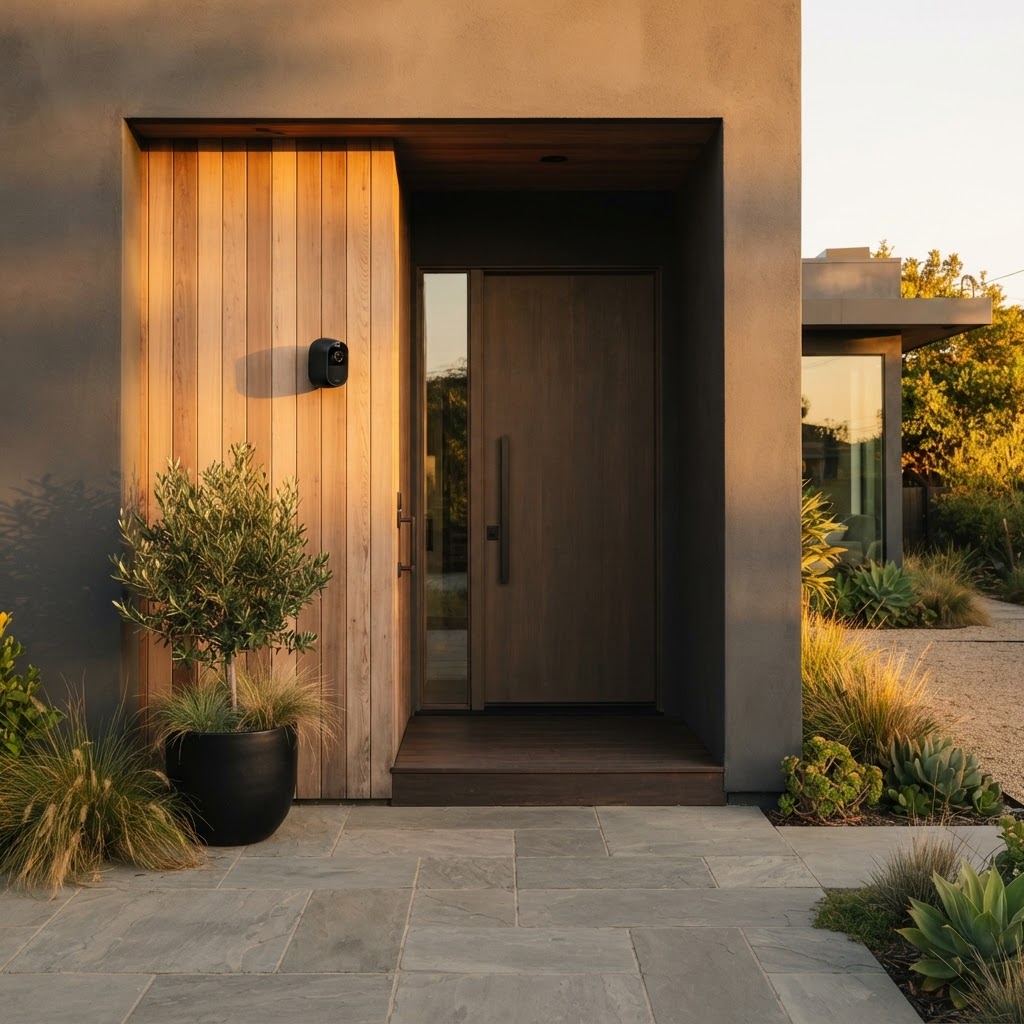
Positioning is the most overlooked element of a successful security setup. A common mistake is mounting cameras too high, which results in a top-down view that makes identifying faces difficult. Instead, aim for a height of approximately eight to ten feet, angled slightly downward to catch activity at eye level. This placement strategy is particularly effective for entry points where clear identification is necessary. If you are preparing for a system upgrade, you can check current curated deals to see if your preferred equipment is available at a lower price point.
Weather resistance is mandatory for outdoor installations. Ensure your chosen hardware has a high IP rating to withstand dust and rain. Even if you live in a moderate climate, extreme seasonal changes can degrade cheap plastic casings over time. Invest in hardware that specifies its operating temperature range clearly, as this indicates the quality of the internal seals and electrical components.
Maximizing Your Shopping Strategy
Finding the right technology is not just about the hardware specs; it is also about the timing of your purchase. Retailers frequently introduce new product lines alongside seasonal sales events, such as live shopping offers that may fluctuate throughout the year. When browsing for security solutions, look for bundles that include mounting hardware, weather covers, and extra battery packs. These kits often provide better long-term value than purchasing individual units, especially when you are outfitting an entire property perimeter.
Security systems are an investment in your property's safety, so avoid the trap of choosing based solely on brand familiarity. Instead, focus on the ecosystem that best integrates with your existing home setup. If you already use specific smart home bridges or voice assistants, prioritize devices that offer seamless integration. Compatibility issues are the leading cause of user frustration, often resulting in expensive equipment sitting idle because it cannot connect with the rest of the home network. Before finalizing your cart, always confirm that the device firmware is updated and supported by the manufacturer, ensuring that your system remains secure against digital threats as well as physical ones.
Finally, remember that maintenance is ongoing. Periodic cleaning of the camera lens and verifying that motion detection zones are correctly configured are essential tasks. Even the most advanced camera will fail to record effectively if a spider web is blocking the infrared sensor or if the motion sensitivity is set too high, triggering false alarms every time a tree branch moves in the wind. Taking the time to fine-tune these settings after installation ensures that your security investment functions correctly for years to come.
Frequently asked questions
What is the best height for installing outdoor security cameras?
For optimal identification, mount cameras between eight and ten feet above the ground. This angle allows the camera to capture facial features clearly while remaining out of reach of casual vandals.
Does higher resolution always mean better security?
Not necessarily. While higher resolution captures more detail, it also consumes significantly more storage space and bandwidth. Balance resolution with your network capacity to ensure a reliable video stream.
How can I reduce false alarms from motion sensors?
Adjust the motion detection zones within your camera app to exclude high-traffic areas like busy roads or swaying tree branches. Additionally, lower the sensitivity setting if you find that small insects or pets are triggering too many alerts.
Are solar-powered security cameras reliable?
Solar cameras are highly reliable provided they are installed in locations that receive direct sunlight for several hours each day. They are excellent for perimeter coverage where running electrical wires is not practical.
How do I ensure my security camera is weather-resistant?
Check the device's IP rating, which indicates its resistance to dust and water ingress. Higher numbers, such as IP65 or IP67, ensure the internal electronics remain protected during heavy rain or dusty conditions.