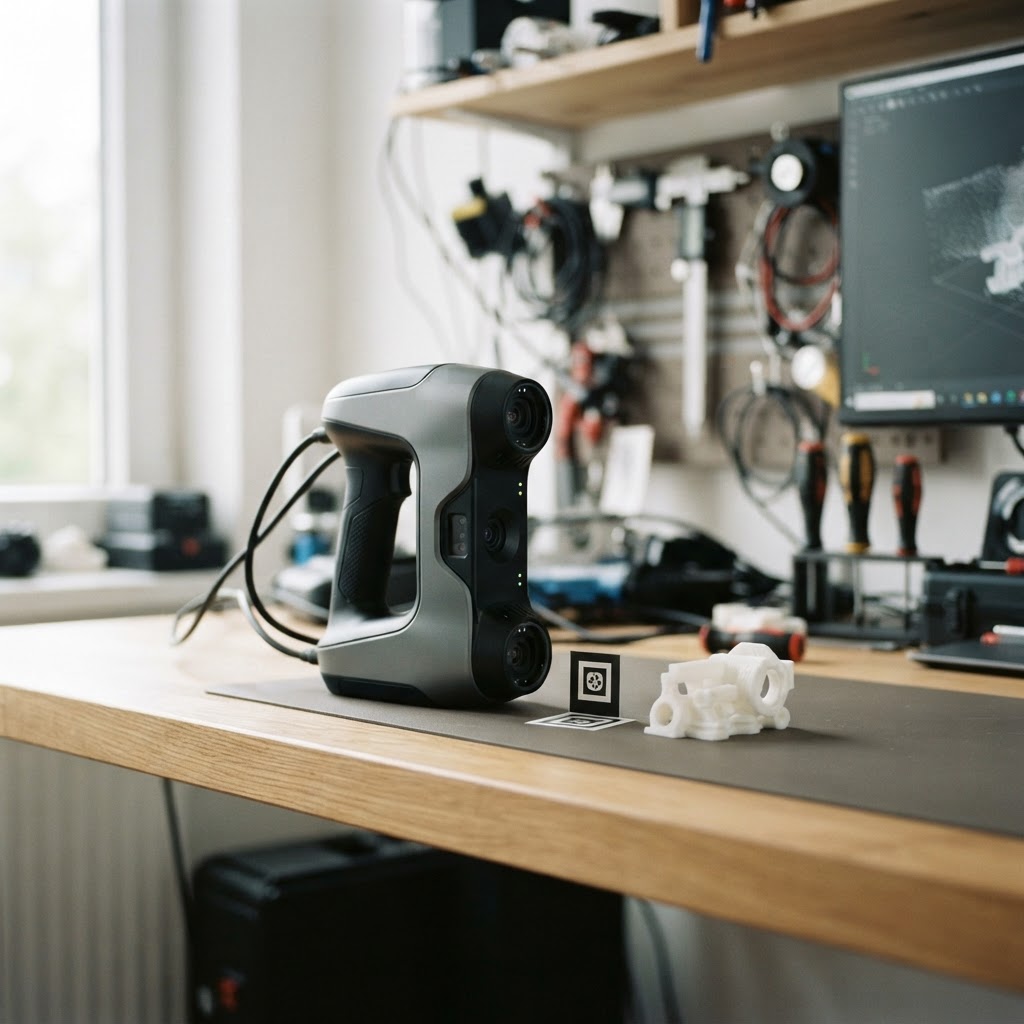
Understanding 3D Scanning Technology
Entering the world of high-fidelity 3D scanning is a significant step for anyone working in digital design, manufacturing, or hobbyist modeling. Whether you are aiming to replicate physical objects for digital assets or need precise measurements for engineering projects, the hardware you choose dictates your workflow efficiency. When you visit retailers like 3DMakerpro (Global), the range of available sensors can feel overwhelming. To make the right choice, you must focus on the technology behind the hardware, such as structured light versus LiDAR-based scanning.
Structured light scanners are generally favored for smaller, intricate objects that require high resolution. These devices project patterns onto an object to measure deformation, allowing for extreme accuracy. Conversely, LiDAR systems excel at scanning larger environments or bulky objects. Knowing which tech suits your needs will prevent you from overspending on features you do not actually need for your specific projects. It is always wise to evaluate your goals before browsing the latest computers & laptops and peripheral equipment.
Crucial Specifications to Evaluate
Before finalizing a purchase, look beyond the marketing buzzwords. Focus on scan speed, point density, and texture accuracy. A higher point density ensures that your model captures fine details, while scan speed affects how long you spend sitting in front of your workstation. If you are working on a commercial timeline, speed is non-negotiable. Furthermore, consider the software ecosystem bundled with your scanner. The best hardware is useless if the software interface is unintuitive or lacks compatibility with your current CAD design tools.
Another common mistake is ignoring the importance of lighting conditions. Some sensors struggle with metallic or reflective surfaces, often necessitating the use of specialized spray to matte the object. If you plan to scan various materials, verify that your chosen device handles a wide range of surfaces effectively. Many users consult a smart shoppers guide for arts crafts and hobbies to understand how different peripheral tools can complement their hardware. Compatibility with your operating system and hardware requirements is the final hurdle; check your current system performance against the scanner manufacturer's recommendations.
Balancing Cost and Project Requirements
It is tempting to aim for the most expensive device available, assuming it will solve all your workflow bottlenecks. However, value is found by matching the scanner to your actual application. If you are a novice or a creator looking to build a digital archive, entry-level professional gear often provides enough resolution for most web-based or small-scale print applications. Only industrial-grade scanners, which come with higher price points, are necessary for specialized engineering or high-precision inspection work.
Always check for current deal links to see if your preferred model is available at a more accessible price point. While browsing for high-tech tools, remember that the initial cost of the device is only one part of the equation. You may need to invest in a tripod, a rotating platform for automated scanning, or upgraded software licenses. Keeping a comprehensive budget that accounts for these accessories helps you manage your overall investment. You might also browse featured offers to see if there are bundles that include these essential add-ons at a lower price than buying them individually.
Practical Tips for Successful Scanning
Consistency is key to quality. Even the best equipment can produce poor results if the environment is unstable. Try to scan in a space with controlled lighting to minimize interference. Moving your scanner smoothly or using a mechanical rotating table can significantly reduce the amount of noise and misalignment in your final 3D file. If you find yourself frequently misaligning your scans, it is likely time to improve your technique or explore better stabilization gear.
Ultimately, your satisfaction with a 3D scanner relies on your patience and your ability to learn the software. Post-processing is a massive part of the workflow. You will inevitably spend time merging clouds of points, filling in missing geometry, and smoothing textures. Choose hardware that offers good community support or plenty of tutorials. By researching how different brands handle software updates and community feedback, you ensure that your investment remains relevant as new versions of modeling software are released. Always take the time to compare technical sheets carefully, and avoid purchasing based on flash sales without confirming the hardware meets your technical project requirements first.
Frequently asked questions
What is the difference between handheld and desktop 3D scanners?
Handheld scanners offer maximum flexibility, allowing you to walk around an object and capture it from various angles. Desktop scanners are stationary, usually feature a rotating base, and are generally better suited for small, fixed objects that require high stability and precision.
Do I need a high-end computer to run 3D scanning software?
Yes, 3D scanning involves processing large amounts of point cloud data, which can be demanding on your system. It is recommended to have a dedicated graphics card and a minimum of 16GB of RAM to ensure smooth operation and efficient post-processing of your scans.
Can 3D scanners capture objects made of glass or metal?
These materials are historically difficult because they reflect or refract light, which confuses the scanner's sensors. Most professionals use a special vanishing spray or a matte powder to cover the object before scanning to ensure the light patterns are captured accurately.
How do I know if a 3D scanner is compatible with my software?
Most scanners export common file types such as STL, OBJ, or PLY, which are widely supported by CAD and modeling software. Before buying, check the product page for export formats to ensure they match the requirements of your design workflow.
Is scanning speed important for a beginner?
While speed is vital for professional commercial workflows, beginners should prioritize ease of use and software stability. A scanner that produces high-quality, clean results consistently is more valuable than one that scans quickly but requires extensive manual repair in the software.