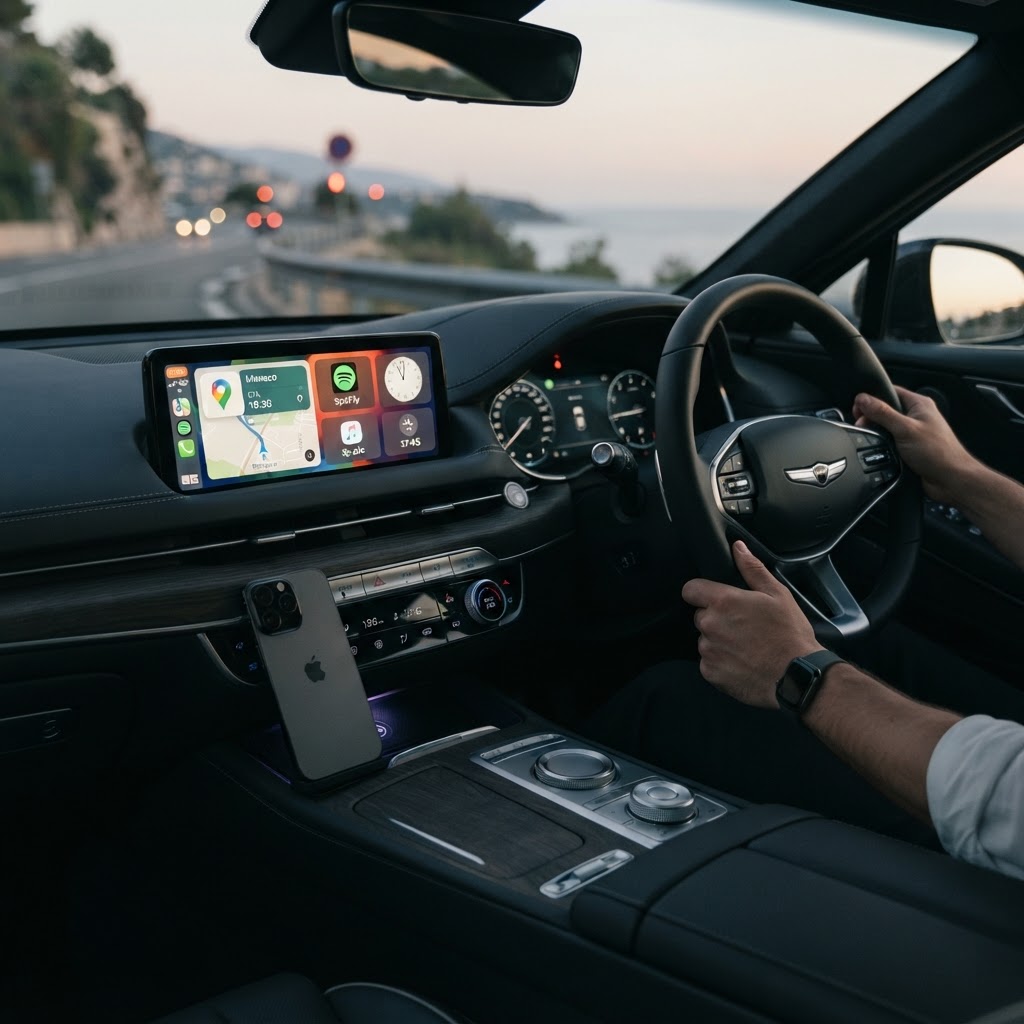
Understanding Your Vehicle Connectivity Needs
Modern driving experiences are increasingly defined by how seamlessly our personal technology integrates with our vehicles. If you find yourself frustrated by wired connections or outdated infotainment systems, you are likely looking for ways to bridge that gap. Automotive electronics manufacturers like Ottocast provide specialized hardware designed to convert wired systems into wireless ones, offering a more streamlined way to use navigation, music, and communication tools while on the road.
Before you commit to a purchase, it is essential to assess exactly what your vehicle currently supports. Many drivers make the mistake of buying an adapter without verifying whether their car is natively wired for specific platforms. Take a moment to consult your vehicle manual or the manufacturer's website to confirm whether you have factory-wired Apple CarPlay or Android Auto capabilities. This is the foundation upon which your upgrade will be built.
Evaluating Hardware Capabilities and Compatibility
When selecting an adapter or an AI box, the goal is to enhance functionality without adding clutter. A common pitfall is ignoring the hardware specifications. Look for devices that offer stable, low-latency wireless connections. The goal is to replicate the performance of a factory-installed wireless system as closely as possible. You can explore a variety of smart home & security and automotive solutions to get a better sense of the technical landscape available to you.
Consider the processing power of any AI box you are researching. These units often run specialized operating systems that allow for app installation or video playback on the dashboard screen. If your primary goal is just to cut the cord, a standard wireless adapter is usually sufficient. However, if you are looking to turn your car display into a fully interactive multimedia center, a higher-end box might be necessary. Check the processor specs and RAM if the manufacturer provides them, as these indicate how smoothly the interface will respond to your touch inputs.
The Importance of Firmware Updates
Technology in the automotive space evolves quickly. When you invest in an electronic interface, ensure that the manufacturer offers a clear path for firmware updates. A device that can be updated via a smartphone app or a simple USB transfer is far more valuable than one that is stuck with the software version it had when it left the factory. Staying updated ensures that your system remains compatible even after your smartphone receives a major operating system update.
Comparing Alternatives and Strategic Purchasing
Not every gadget on the market performs the same way across different car models. A device that works perfectly in a 2022 sedan might struggle with the specific voltage or communication protocol of a 2019 truck. This is why reading through product compatibility lists is the most important step in your research process. If a retailer provides a specific list of supported car makes and models, compare your own vehicle data against it with high attention to detail.
When you are ready to make a selection, you might want to browse various curated shopping links to see the current market options. It is also a good habit to keep an eye on featured shopping collections, as these pages often highlight new items that might have recently entered the market. By diversifying your research, you avoid the mistake of settling for an inferior, outdated model when a better-supported version exists elsewhere.
Avoiding Common Pitfalls
The most frequent error users face involves improper installation or failure to pair the device correctly on the first attempt. Always read the quick-start guide provided by the brand. Sometimes, the issue is not with the hardware but with the settings on your phone, such as needing to disable a specific VPN or Bluetooth restriction that prevents the adapter from handshaking with your vehicle's system. Always be patient during the initial setup process, as some devices require a few minutes to index the car's software architecture fully. You can find more helpful advice on evaluating tech tools by reviewing our tips on comparing specialized equipment to ensure you are getting the value you expect.
Finally, remember that the best upgrade is one that stays out of your way. Your automotive electronics should be a "set it and forget it" addition to your daily commute. If you find yourself constantly resetting the connection or dealing with software crashes, it is a sign that the hardware may not be the right match for your vehicle. Stick to reputable sources for your electronics and always verify the technical specs against your specific vehicle trim level for the best results.
Frequently asked questions
What is the primary difference between a wireless adapter and an AI box?
A wireless adapter is designed specifically to convert your existing wired CarPlay or Android Auto connection into a wireless one. An AI box often functions as a standalone computer that runs its own operating system, allowing you to install extra apps and watch videos directly on your vehicle's display.
How do I know if my car is compatible with these adapters?
You should first check if your car has factory-wired CarPlay or Android Auto support. Most manufacturers list compatible car models on their product pages, so verify that your specific make, model, and year are included before purchasing.
Why does my connection feel slow or laggy?
Lag can occur due to interference from other wireless signals or outdated firmware on the adapter. Ensure that your device has the latest firmware installed and try keeping your phone within close proximity to the adapter to maintain a strong signal.
Can I use an AI box while driving?
For safety reasons, most AI boxes restrict video playback and certain interactive features while the vehicle is in motion. Always prioritize road safety and follow local regulations regarding the use of screens and electronic displays while driving.
Are these devices difficult to install?
Most of these devices are designed for plug-and-play installation, typically requiring you only to connect the device to your car's USB data port. Setup usually involves a one-time Bluetooth pairing process with your smartphone.