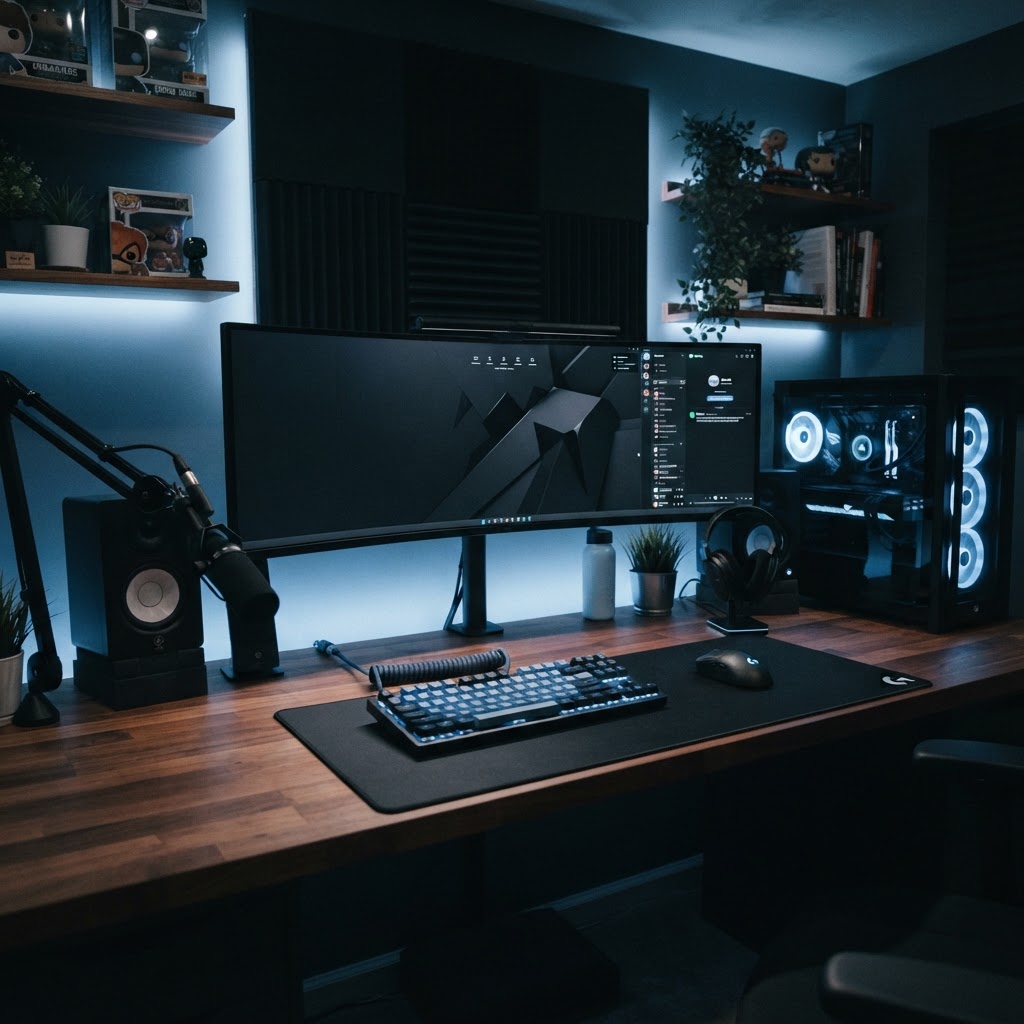
Online gaming success often comes down to milliseconds. When you are deep in a high-stakes competitive match, the difference between a victory and a frustrating defeat is frequently dictated by network stability rather than raw skill. Many gamers overlook the complexities of routing and data packet transmission, focusing instead on hardware like graphics cards or high-refresh-rate monitors. While these are important, optimizing your digital pathway is equally vital for maintaining a consistent edge. If you are exploring ways to improve your connectivity, you might consider resources like GEARUP to help refine your network performance.
Understanding Latency and Packet Loss
Before investing in any software solution, it is important to understand the two main culprits of poor online gameplay: latency and packet loss. Latency, commonly referred to as ping, is the time it takes for a signal to travel from your device to the game server and back. Lower latency means your inputs are registered almost instantaneously, which is critical for real-time responsiveness. Packet loss occurs when pieces of data fail to reach their destination, causing stuttering, rubber-banding, or sudden disconnections.
You can identify these issues by running consistent network tests during your normal peak gaming hours. If you notice significant spikes in ping or frequent drops, the issue may lie with the path your data takes across the internet, rather than your actual internet speed package. Often, generic ISP routing is not optimized for gaming traffic, which is where specialized tools can make a tangible difference.
Evaluating Software Solutions
When searching for tools to assist with connection stability, look for services that offer clear, user-friendly interfaces. Not everyone is a networking engineer, so the software should provide intuitive controls that simplify complex routing processes. A reliable provider, such as GEARUP, often categorizes their services by tier, allowing you to choose a subscription that aligns with your specific gaming habits and the number of devices in your household.
When comparing different options, look for features such as automatic server selection, traffic prioritization, and support for a wide range of game titles. Some platforms may also offer cross-platform support, which is beneficial if you switch between console and PC gaming. Always prioritize security, ensuring that the software you choose handles your data with modern encryption standards, especially when integrating it with your primary gaming machine.
Integrating Optimization Tools into Your Setup
For those looking to optimize their home infrastructure, consider the broader context of your shopping. You might be interested in finding diverse technology solutions that complement your setup. When you decide to implement a new optimization tool, start by testing it on a single device before rolling it out across your entire network. This allows you to measure the baseline improvement in your specific gaming environment.
Check if the software requires manual configuration for specific titles. The best services are those that handle the heavy lifting for you, automatically detecting which game you are running and optimizing the connection accordingly. If you find yourself frequently troubleshooting connection errors, it may be time to reassess your digital hardware and software ecosystem to ensure everything is operating at peak efficiency.
Avoiding Common Pitfalls
One of the most common mistakes is assuming that optimization software can replace a high-quality physical connection. Always use a wired Ethernet connection whenever possible. Wi-Fi, while convenient, introduces potential interference and signal fluctuation that no software can entirely eliminate. Use these services to augment a stable wired connection, not to compensate for a poor, unreliable wireless signal.
Another mistake is failing to monitor your subscription needs. Many services provide various ongoing offers that can help you manage the costs of specialized software over the long term. Periodically review your plan to ensure you are not paying for features you do not use. If you notice your connection issues persist even after using optimization tools, verify that your local network is not congested by other bandwidth-heavy applications, such as large file downloads or high-definition streaming, running simultaneously in the background.
Ultimately, a proactive approach to network management involves testing, monitoring, and selecting the right tools that match your specific gaming demands. By focusing on consistent packet delivery and optimized routing, you can ensure your gaming setup is consistently performance-ready.
Frequently asked questions
What is the primary function of network optimization software?
These tools work by identifying and routing your gaming data through more efficient paths across the internet. This helps to reduce latency, minimize packet loss, and ensure a more stable connection during online gameplay.
Can optimization software fix a slow internet plan?
No. Optimization software focuses on improving routing efficiency and reducing ping, but it cannot increase your base bandwidth. If your internet speed is low, you should first consider upgrading your ISP plan or using a wired Ethernet connection.
Is it better to use Wi-Fi or Ethernet for competitive gaming?
Always choose a wired Ethernet connection if possible. Wi-Fi is prone to signal interference, which can cause unpredictable lag and packet loss that software tools may not be able to fully correct.
How do I know if I need a gaming optimization service?
If you experience frequent lag spikes, rubber-banding, or disconnections despite having a decent internet speed, your issue is likely related to routing. Specialized software can help by bypassing congested or inefficient network paths.
Are there different subscription tiers for these services?
Yes, many providers offer tiered subscriptions. These usually differ based on the number of devices you can connect simultaneously or the specific regions and game servers supported, allowing you to pick a plan that fits your needs.