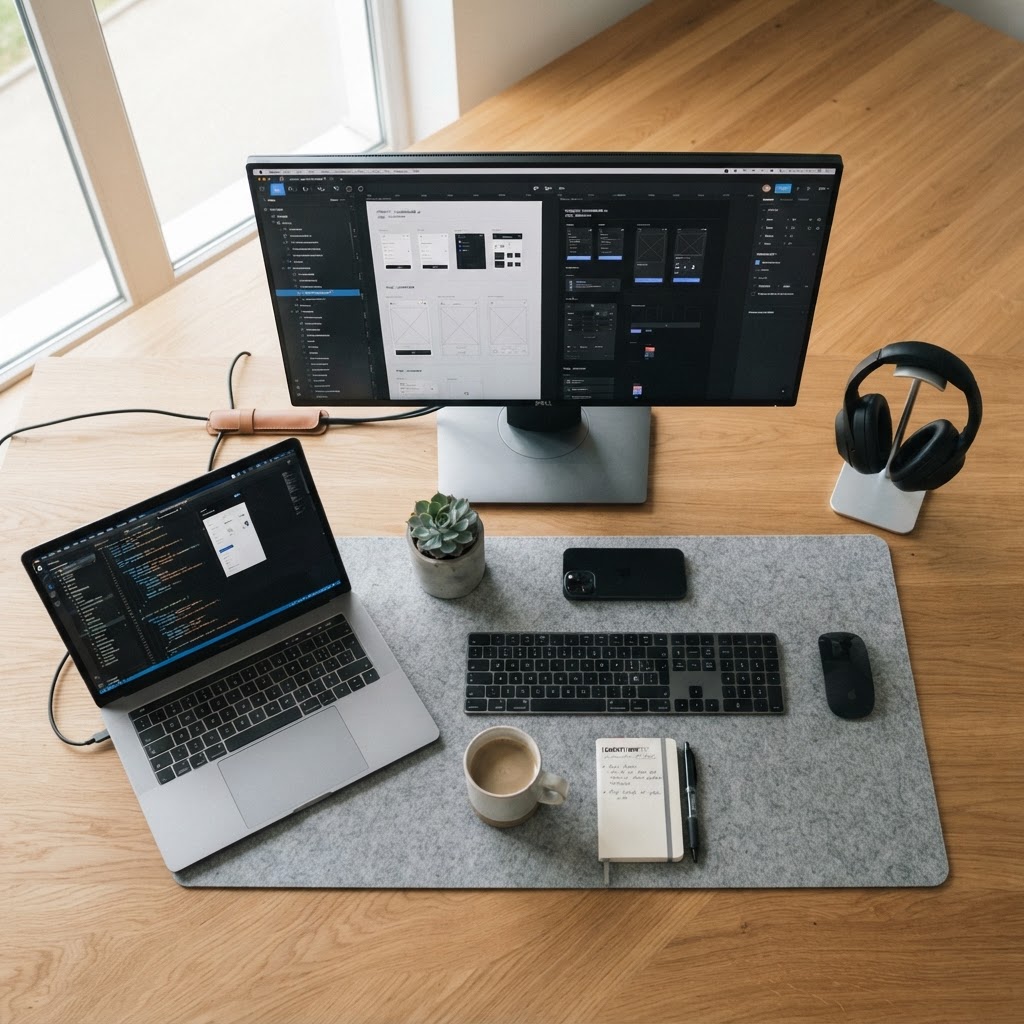
When you are in the market for new computers and laptops, the sheer variety of available hardware can feel overwhelming. Whether you are building a dedicated workstation, upgrading to a faster laptop for remote work, or searching for the right display to improve your editing workflow, making an informed choice starts with identifying exactly what you need your machine to do. Before browsing through the latest available technology, take a moment to outline your primary tasks and hardware requirements.
Defining Your Computing Needs
The most common mistake when shopping for hardware is purchasing based on maximum power rather than specific utility. A high-end gaming laptop with a dedicated graphics card is likely overkill for simple web browsing and document editing, just as a thin, lightweight notebook may struggle with heavy-duty video rendering or 3D modeling. Start by identifying your workload. If you work primarily with creative software or data-intensive applications, look for machines that prioritize RAM and processor performance. If you are frequently mobile, focus on portability, battery life, and display quality.
For those interested in specialized fields like additive manufacturing or 3D digital design, checking out resources like 3DMakerpro (Global) can provide insight into the specific peripherals needed to complement your main computer. Your computer is the foundation of your entire digital workspace, so ensure that the ports and processing power you select can accommodate your current and future peripheral needs.
Understanding Hardware Specifications
Once you have narrowed down your needs, pay attention to the core components that define the machine's longevity. The processor acts as the brain of the computer; look for recent generations from reputable manufacturers to ensure your device stays current for years to come. RAM is equally critical. For modern multitasking, 8GB should be considered the bare minimum, while 16GB is the sweet spot for most professional and creative users.
Storage is another area where many buyers compromise too soon. Solid State Drives (SSDs) are standard for a reason, offering speed that mechanical hard drives cannot match. Ensure your chosen model provides enough space for your operating system and primary applications, but keep in mind that you can often expand storage later using external accessories or cloud services. When browsing major retailers like Amazon, use their search filters to isolate models by processor type and storage capacity to quickly narrow down your options based on your specific performance requirements.
The Importance of Peripherals and Displays
A computer is only as good as the hardware surrounding it. Many users focus exclusively on the tower or laptop chassis and neglect the importance of a quality monitor or comfortable input device. If you spend hours in front of a screen, prioritize high-resolution monitors with accurate color reproduction. This is especially vital for those who engage in creative hobbies or detailed design work. For more insights on setting up your creative environment, you might find it helpful to look at tips for sourcing hobby supplies to see how the right gear can improve your overall workflow.
Beyond the display, your desk setup impacts your physical comfort and daily productivity. Invest in a keyboard and mouse that fit your hand size and typing style. Often, shoppers will wait for featured savings events to bundle these accessories with their primary computer purchase, which can help lower the overall cost of a complete workstation upgrade.
Making the Final Decision
After you have narrowed your choices down to two or three models, compare their specific port availability, cooling mechanisms, and upgradeability. Can you add more RAM later? Is the battery user-replaceable? These small details can significantly impact the lifespan of your machine. If you are struggling to find a price point that fits your budget, remember to explore available digital promotions, as these can often provide the flexibility to choose a higher-tier model than you originally planned for.
Take your time to read the full specifications sheet for every model you consider. Avoid buying based on brand loyalty alone, as even reputable manufacturers release different tiers of equipment. By focusing on specs that align with your actual usage patterns, you ensure that your investment will serve you well for the long term without leaving you with unused, expensive power or missing features that you actually require.
Frequently asked questions
How much RAM do I really need for a standard home office computer?
For basic tasks like web browsing, email, and document processing, 8GB of RAM is sufficient. However, if you plan on multitasking with many browser tabs and office applications open simultaneously, 16GB is highly recommended for a smoother experience.
What is the difference between an SSD and a traditional hard drive?
An SSD (Solid State Drive) is significantly faster than a traditional hard drive because it has no moving parts. This means your computer will boot up faster, applications will load almost instantly, and the system will be more responsive overall.
Should I choose a laptop or a desktop computer?
Choose a laptop if portability is your main priority for travel or working from different locations. Choose a desktop if you want better performance for your money, easier upgradeability, and a larger, fixed workspace setup.
How often should I look to upgrade my computer?
Most users find that a well-maintained computer can last between four and six years. You should consider upgrading when your current machine can no longer handle your primary software updates or if the hardware limitations begin to impede your daily productivity.
What are the most important ports to look for in a new laptop?
At a minimum, ensure your new laptop has at least two USB-C ports, which are increasingly standard for charging and data transfer. If you use external monitors, check for an HDMI port or ensure your USB-C ports support DisplayPort functionality.